Clash Free Cross-Platform Proxy Client
A free, open-source cross-platform proxy client supporting VMess, Trojan, Shadowsocks and more. Compatible with any subscription URL. Built-in intelligent rule engine for smart traffic routing — direct locally, proxy globally.
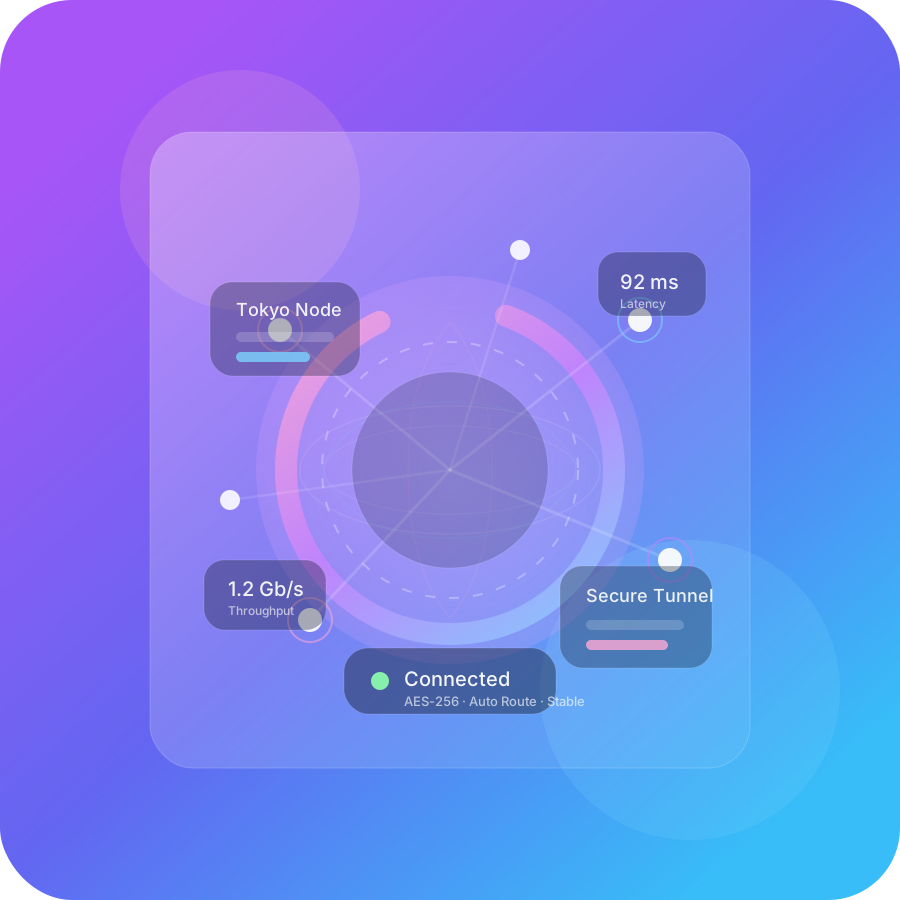
Clash Core Features, Built for Power Users
Powerful core engine, minimal user experience. Everything a network enthusiast could want.
Multi-Protocol Support
Full support for VMess, Trojan, Shadowsocks, SSR and other mainstream proxy protocols, one-click subscription import.
Smart Rule Routing
Built-in powerful routing engine, precise matching by domain, IP and GeoIP. Direct locally, proxy globally.
Full Cross-Platform
Windows, macOS, Linux desktop and Android, iOS mobile — one config file, seamless experience across all platforms.
Security & Privacy First
Built on open-source core, transparent and auditable. All config and subscription data stored locally on your device.
Download Clash Client
Get the latest Clash client for your device. Full platform support, ready out of the box.
Clash Quick Start Guide
No complex setup required. Import your subscription and enable the proxy in seconds.
Download & Install
Choose the version for your platform, download and complete a basic installation.
Import Config
Copy the subscription link from your provider, or drag a local YAML file into the client.
Enable Proxy
Turn on System Proxy, select Rule mode, and enjoy smart traffic routing worldwide.
Frequently Asked Questions
What is Clash?
Clash is a rule-based cross-platform proxy core written in Go. GUI clients like Clash Verge and ClashX are graphical wrappers built on top of this core.
How is Clash different from a traditional VPN?
Traditional VPNs route all system traffic, while Clash supports complex routing rules to precisely separate local traffic from traffic that needs a proxy — keeping speed and compatibility for local apps.
What do I need to use Clash?
Two things: a Clash client for your platform, and a configuration file containing proxy nodes (usually provided by a third-party service as a YAML file or subscription URL).
What is a subscription link and where do I get it?
A subscription link is a URL containing proxy node configuration, provided in your provider's user dashboard. Clash itself does not ship any nodes.
How do I import a subscription?
Open your Clash client, go to the Profiles / Subscriptions tab, paste your subscription URL, and click Download or Update.
Ready to get started?
Download the Clash client — configure once, use everywhere.
Free Download